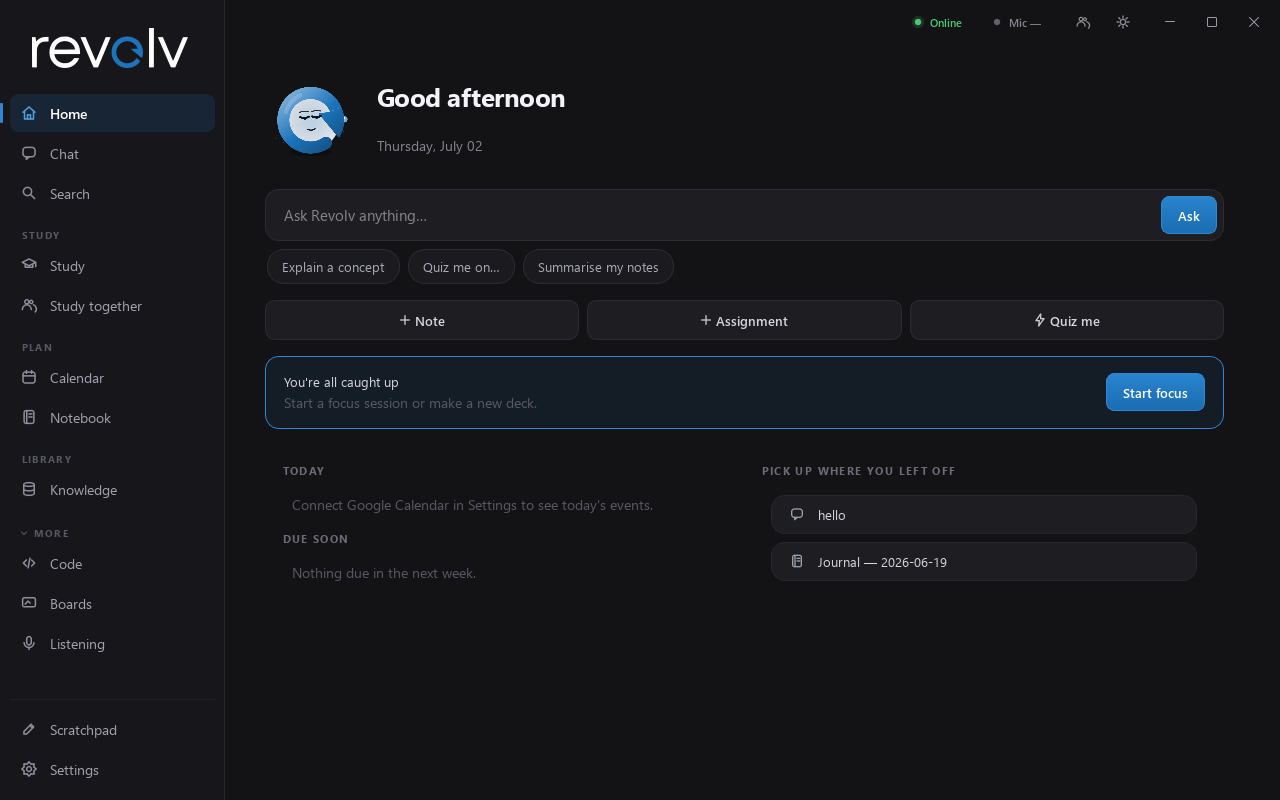
Revolv is a private AI study companion that lives on your computer — not in someone else's cloud. Make flashcards, get quizzed, focus with friends, and ask for help by voice. Your notes and conversations stay on your machine.
Not another chatbot tab — a full study toolkit with an AI woven through every part of it.
Turn notes, PDFs or slides into flashcards in one click, then let the daily review queue schedule them so you remember for the exam — not just tonight.
Say "quiz me on photosynthesis" and get a real graded quiz built from your own material, with explanations for everything you miss.
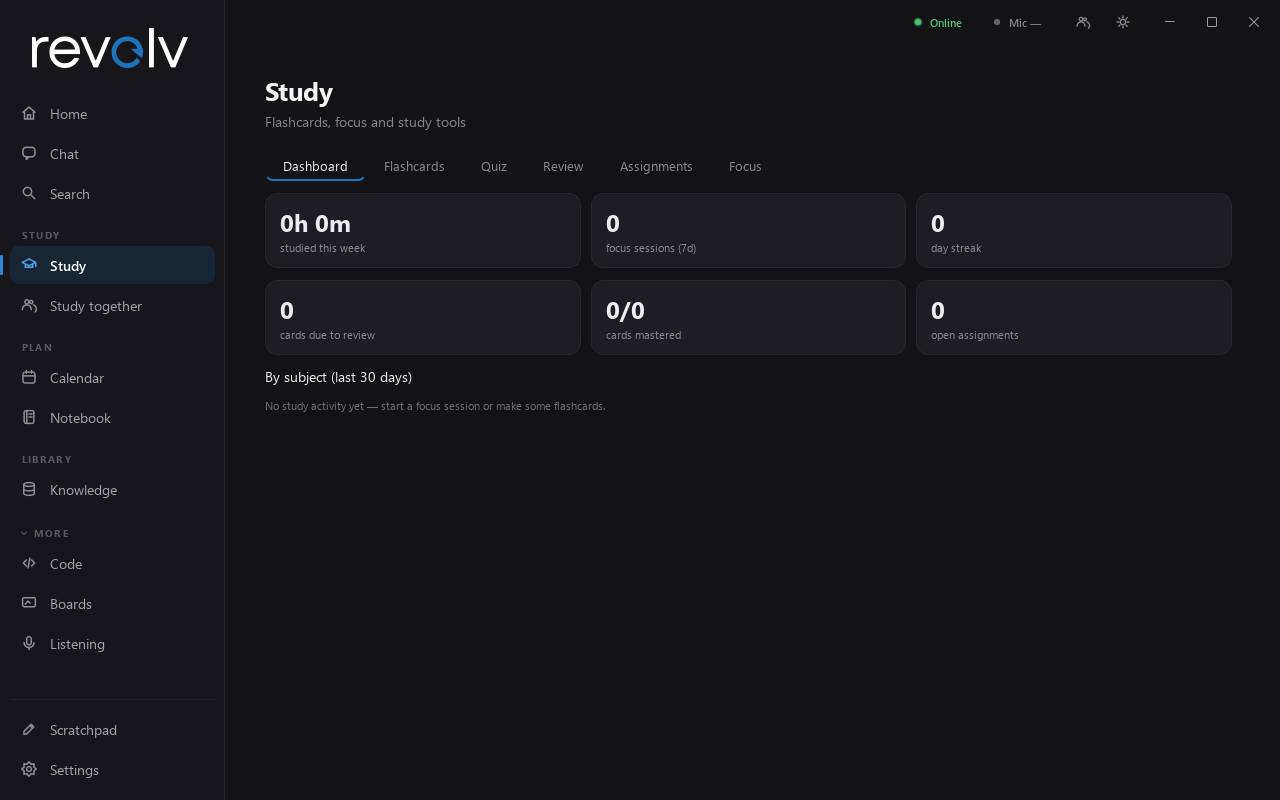
Built-in focus timer, assignment tracker with due-date nudges, and a study dashboard that shows your streak and where your hours actually go.
Say "hey Revolv" from across the room — set timers, save notes, get reminders, play music, or ask real questions and hear the answer back.
Stuck on a problem? Say "hey Rev, look at my screen." Revolv sees what you see, explains it, and points at the exact spot with an on-screen highlight.
Drop in PDFs, Word docs, slides or spreadsheets and ask about them. A built-in code editor with an AI pair-programmer is there when class gets technical.
Look things up inside Revolv, then hand any page straight to your AI: save it to notes, summarise it, or turn it into flashcards.
Sketch on a shared infinite whiteboard with friends in real time — diagrams, problem-solving, group brainstorms.
Phone Connect pairs your phone to your desktop with a QR code — chat with your AI, browse files, and check your study day from anywhere.
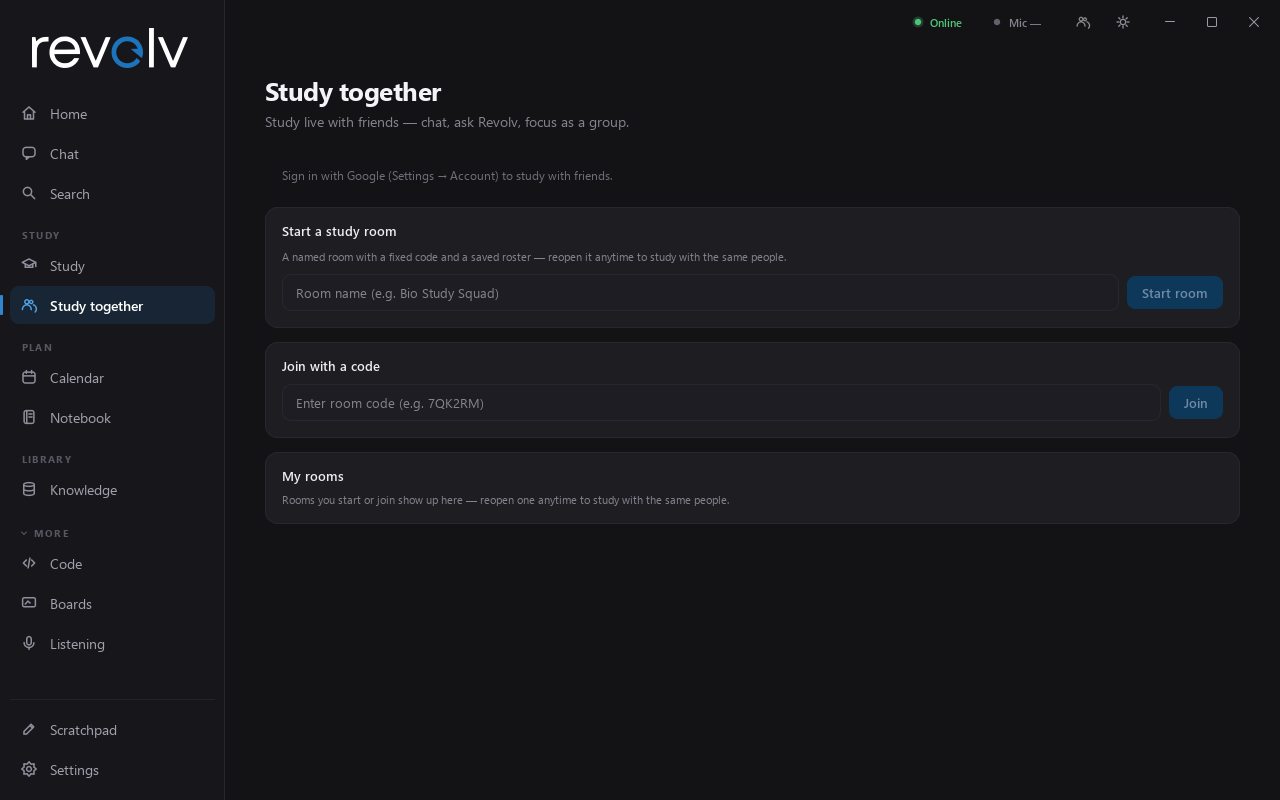
Spin up a live study room in seconds. No servers to set up, no accounts for your friends to puzzle over — just a room code.


Flashcards, review queue, quizzes, assignments and focus — one tab, one subject-tagged spine, one dashboard that tells you the truth about your week.
Most AI apps send everything you type to someone else's servers. Revolv was built the other way around.
Notes, journals, memories and chat history live in a database on your own machine — not in a company's cloud. Uninstall it and it's gone.
Run a free local AI model and Revolv works with no internet and no API keys — chat, flashcards, quizzes and voice included. Cloud models are optional.
Study rooms and phone pairing go through a relay that only forwards encrypted messages — it can't read what your group says or sees.
Grab the Windows app below and launch it. A short setup wizard asks how you want your AI to run — no jargon, no config files.
Use a free local model that runs on your own PC, or plug in one online key for cloud models. You can switch anytime.
Ask anything from the home screen, drop in your notes, make your first deck — and invite a friend to a study room.
Yes. Download it and use it. Running a local AI model is completely free; if you prefer stronger cloud models, you bring your own low-cost API key and pay the provider directly — Revolv doesn't sit in the middle.
Not for the core experience. With a local model, chat, flashcards, quizzes, focus and voice all work offline. Internet is only needed for cloud models, web search, study rooms and phone pairing.
By default, nothing personal. Your notes, chats and memories are stored locally. If you enable a cloud model, only the messages you send it go out. Study-room traffic passes through a blind relay that just forwards messages between friends.
Any reasonably modern Windows PC. For fully-offline AI, a GPU with 6 GB+ of memory runs the recommended local model comfortably — otherwise use a cloud key. macOS currently runs from source (see the repo instructions).
Yes — Phone Connect. Scan a QR code once and your phone's browser (installable as an app) talks to your desktop over an end-to-end encrypted channel: chat, files, notes and controls from anywhere.
Free for Windows. Installs in a minute, works offline, and your data never leaves home.